Your space. Your training. Your budget.
What to buy. Where it fits.
Plan your home gym with an AI agent. Edit the same room together, while the app checks space and budget.
AI planning needs an external agent in a WebMCP-capable environment. Agent guide
Prefer to work manually? The editor works without an agent.
Have a saved project? Open creator to continue it.
How it works
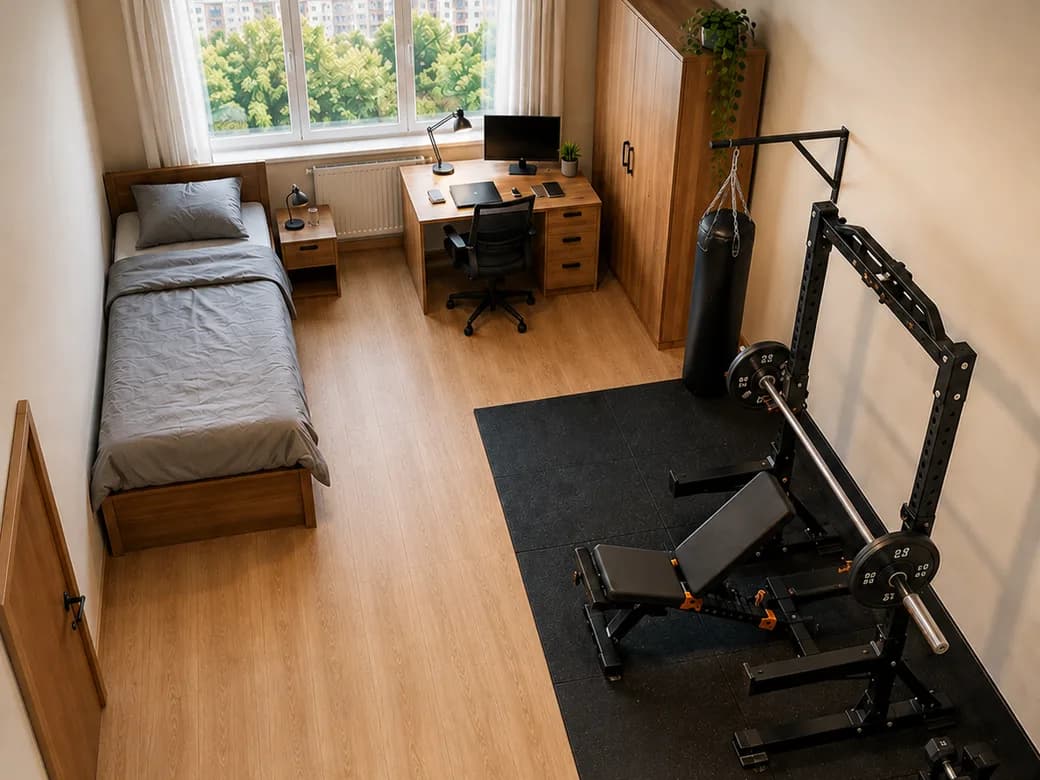
From an empty room to your home gym.
Start with your space. Build the plan together.
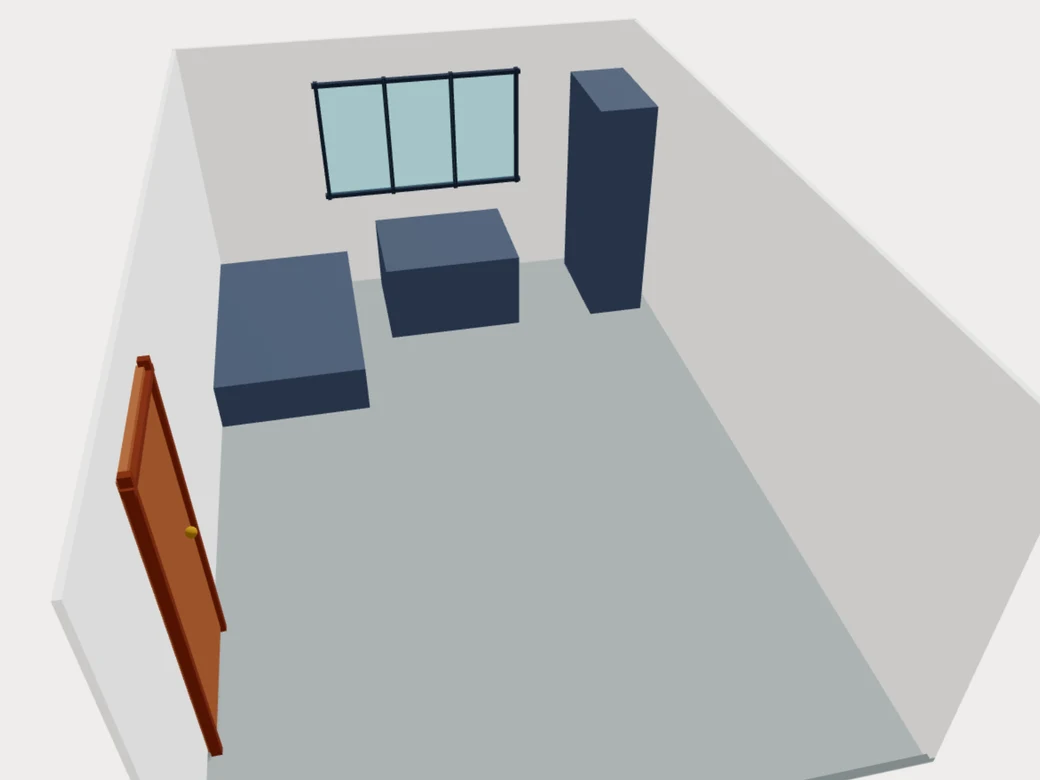
Create your room
Set your room dimensions and obstacles, or ask your agent to help from a description or photo.
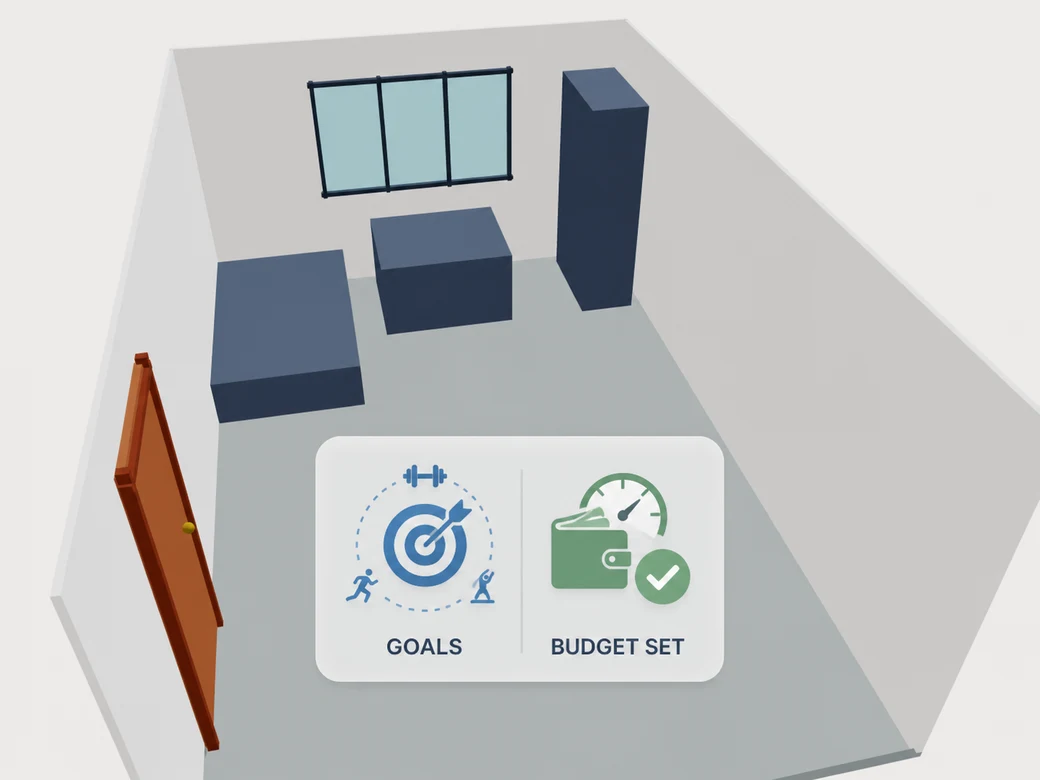
Set your goals and budget
Choose your training goals, preferred exercises and spending limit.
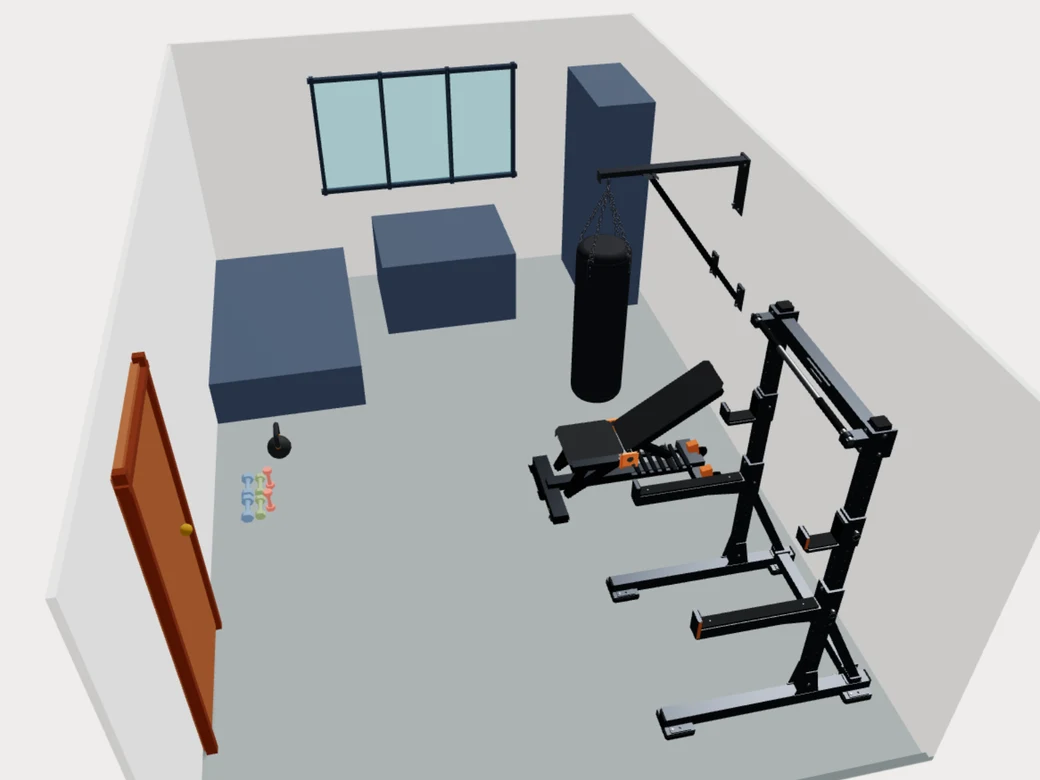
Choose and arrange equipment
Choose equipment together. The agent arranges it, and the app checks space and cost.
Using a photo? Share it with your external agent, not the editor. Provide reference measurements and review the model.
You edit. The agent continues.
Move a piece of equipment. Your agent picks up from the room as it is now.
You make a change
Move equipment yourself.
The room stays shared
The agent reads the room as it is now.
The agent continues
It adapts the layout. Review the checks or undo.
Keep the rack here. Adjust the rest of the layout.
One shared room model, whether you or the agent makes the change.
Let your agent guide you.
Start a conversation. Your agent asks for the room details, training goals and budget it needs.
Use your external agent on the open creator page. There is no in-app chatbot.
Agent setup guide
- Copy the starter prompt. Open this website in your agent's WebMCP-capable browser. Follow the official site tools guide for supported environments and setup.
- Choose Start planning for a new room. You'll be asked before replacing a saved project.
- Paste the prompt into the external agent's chat. Keep the creator tab open in that same session, and ask the agent to use its tools.
Have a saved project? Open creator to continue it.
Tools become available in the creator, not on this landing page. Opening a project does not launch an agent.
To edit manually, use Room → Room dimensions for measurements and Project → Settings for budget and training goals.
For local tool inspection in Chrome, see the official WebMCP setup instructions for the testing flag, browser restart and Model Context Tool Inspector. The inspector is a development tool, not a built-in planning agent.
Starter prompt
Help me plan a home gym collaboratively using the Home Gym Creator WebMCP tools. First, ask for a photo or description of my room, its dimensions, and any fixed obstacles. Create an approximate room model, ask me to review it, and wait for my approval, after which you can lock the room items. Then ask about my training goals, preferred exercises, training routine, anchoring preferences, and budget before choosing and placing equipment.
Paste this into your agent's chat while the creator is open.
Powered by WebMCP
AI plans. The application checks.
Read the room
The agent reads your current room, goals and budget.
Edit through WebMCP
Tool changes appear directly in your project, with shared undo and redo.
Check geometry and budget
The app checks collisions, exercise clearance and total cost.
Geometry checks come from the app. Your agent explains the results and helps you weigh the trade-offs.
Ready to plan your space?
Have a saved project? Open creator to continue it.